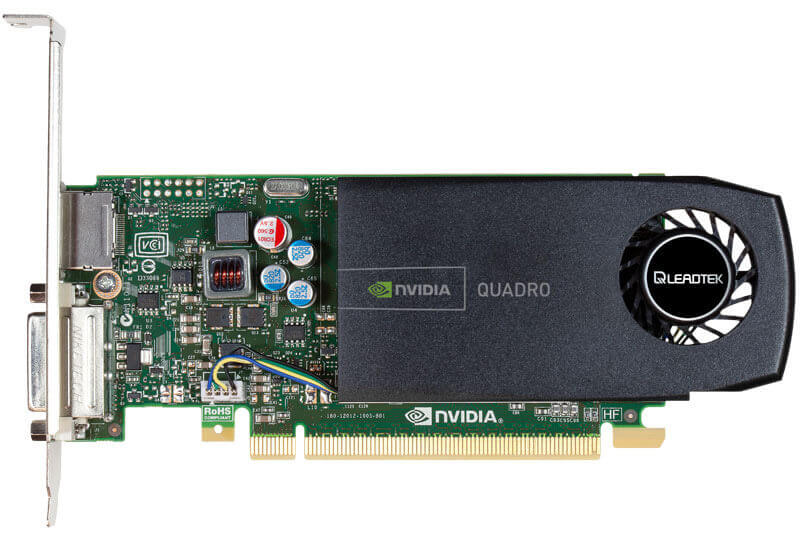
Problem
dp接口黑屏
Potential causes
NVIDIA Graphics Firmware Update Tool for DisplayPort 1.3 and 1.4 Displays
Temporary solution
先用DP转HDMI接口连接,安装好驱动,再换回DP NVIDIA RTX / Quadro Desktop and Notebook Driver Release 470 R470 U18 (475.14) | Windows 11
Curative treatment (Experimental)
Update GOP
Step
1. Backup VBIOS
nvflashk: Flash (almost) any vBIOS to (almost) any nVIDIA GPU - GitHub
./nvflashk.exe --save original.rom
2. Update GOP of VBIOS
GOP_Updater_v1.9.6.5.k_mod_v0.5.2 - pCloud
将original.rom直接拖放到GOPupd.bat上,生成xxx_updGOP.rom
3. Flash VBOIS
./nvflashk.exe --list -L log.txt # 确认显示适配器编号
# -L 将执行日志输出到文件,解决运行结果一闪而过的问题

./nvflashk.exe --check -L log.txt # 检查显卡bios芯片的容量大小

./nvflashk.exe --protectoff -L log.txt # 关闭写入保护,解决报错:EEPROM erase failed. Software write protection enabled.

./nvflashk.exe --index=0 xxx_updGOP.rom -L log.txt
Reference
- 搬运一个GOPupd mod版本合集(免安装python环境) - 哔哩哔哩
- AMD and Nvidia GOP update (No requests, DIY) - BIOS/UEFI Modding / BIOS Modding Guides and Problems - Win-Raid Forum
Result
刷入更新了GOP的VBIOS后,仍旧黑屏,没有效果
FAQ
1. 刷入报错
./nvflash.exe --index=0 xxx_updGOP.rom -L log.txt
# ERROR: Falcon reset control is disallowed! A system restart might be required before running the utility.
Reason
nvflash版本太高
Solution
改用低版本nvflash_5.190.0.1,但仍出现新报错
# EEPROM erase failed. Software write protection enabled.
改用 nvflashk
2. Windows分辨率设置没有4k选项?
NVDIA 控制面板 => 更改分辨率 => 自定义 => 创建自定义分辨率 => 水平像素3840,垂直扫描线2160 => 勾选应用
3. 应当支持10bit色深,但系统位深度显示为8位?
NVDIA 控制面板 => 更改分辨率 => 使用 NVDIA 颜色设置 => 输出颜色深度 10 bpc