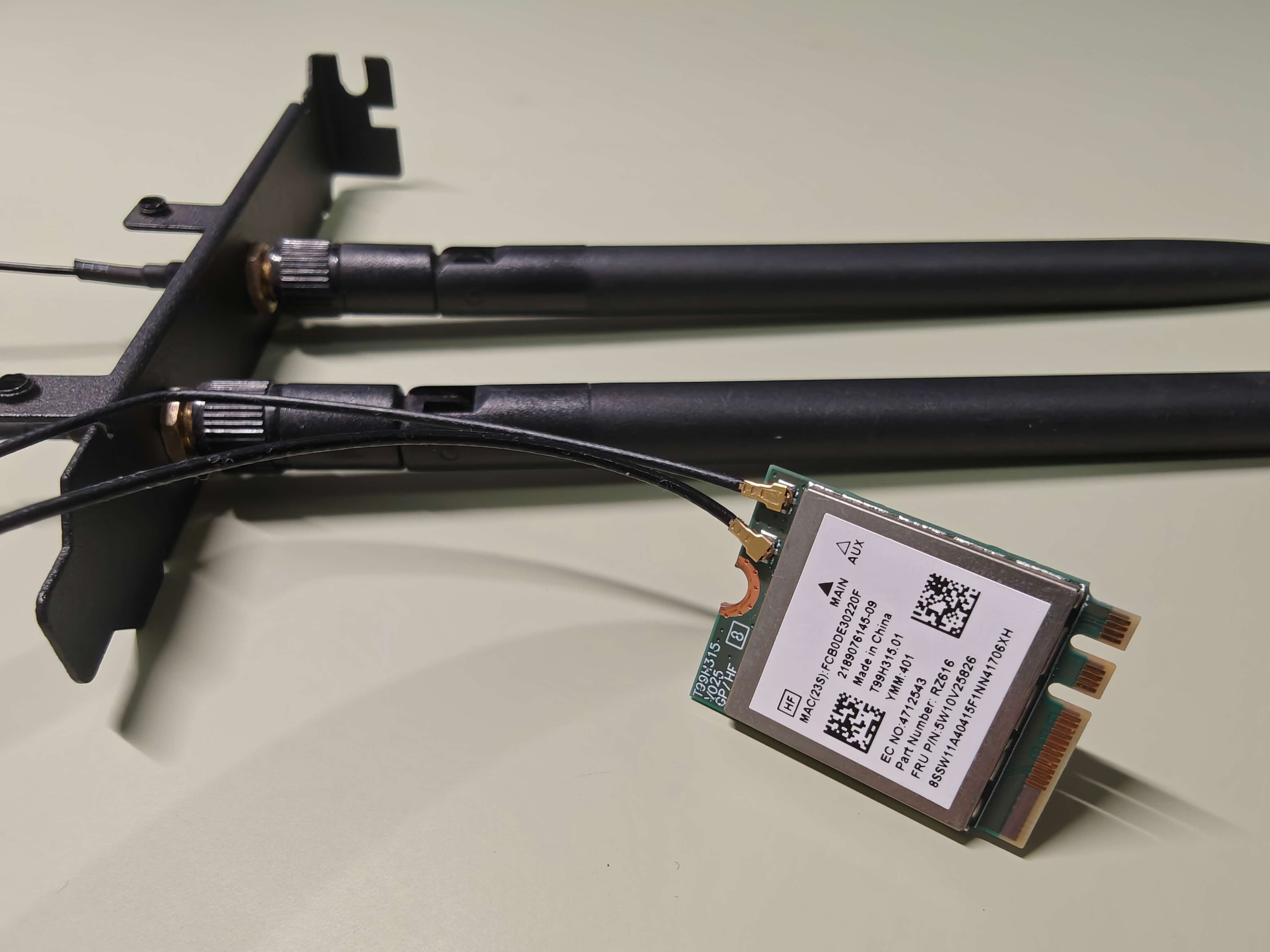
WNIC(Wireless network interface card)
PVE
开启IOMMU
nano /etc/default/grub

GRUB_CMDLINE_LINUX_DEFAULT="quiet intel_iommu=on iommu=pt pcie_acs_override=multifunction"

update-grub
reboot
设置虚拟化驱动
nano /etc/modules

vfio
vfio_iommu_type1
vfio_pci
# vfio_virqfd # no longer available in PVE 8

update-initramfs -u -k all
Reference
iStoreOS
Install
img2kvm
/mnt/pve/hdd/template/iso/img2kvm /mnt/pve/hdd/template/iso/istoreos-22.03.6-2024052410-x86-64-squashfs-combined-efi.img.gz 108 local
importdisk
qm importdisk 108 /mnt/pve/hdd/template/iso/istoreos-22.03.6-2024052410-x86-64-squashfs-combined.img.gz local
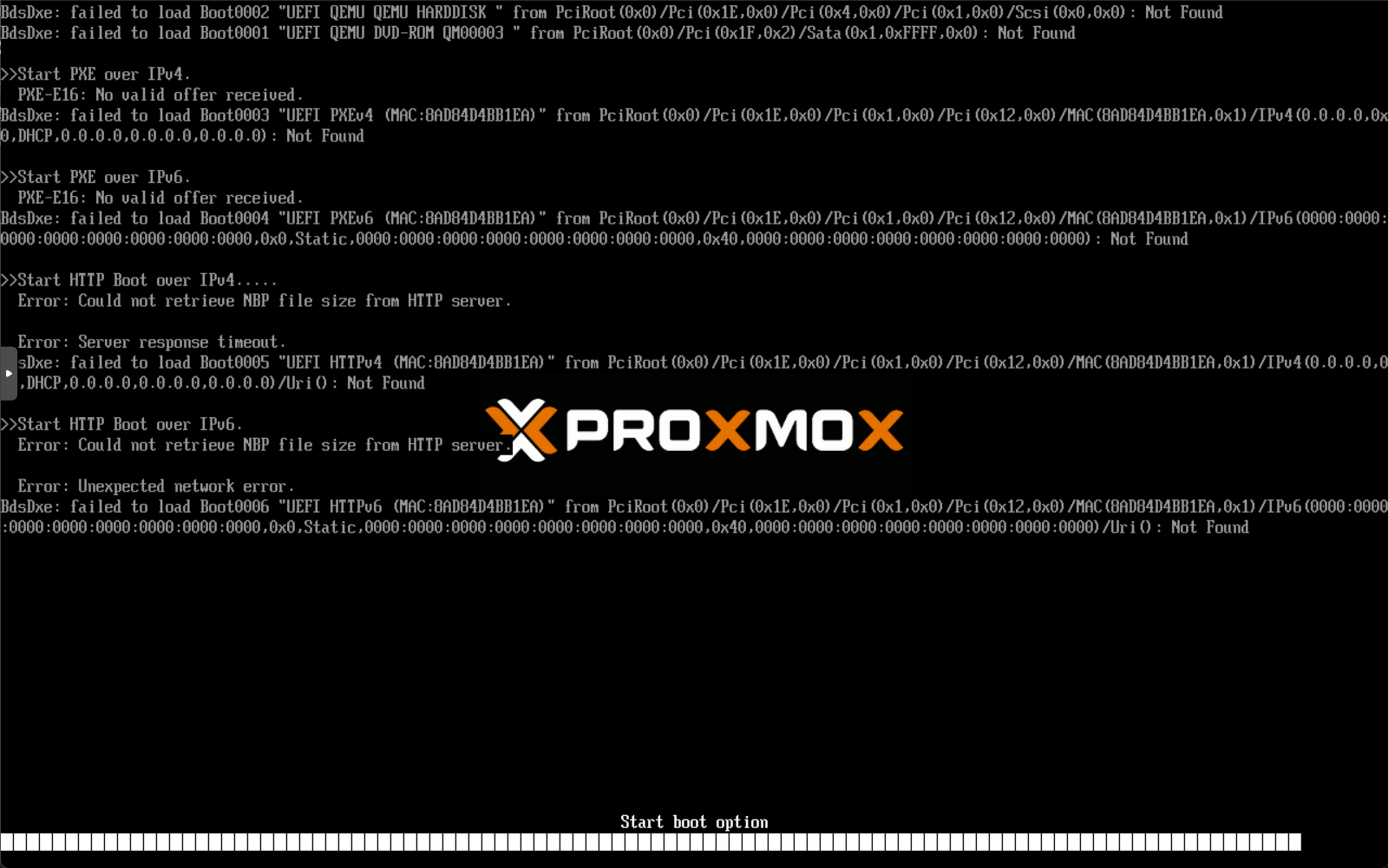
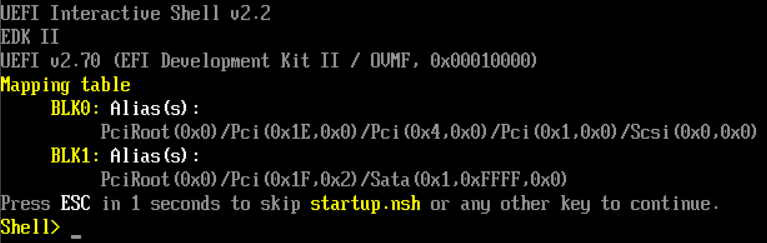
不可行,无法加载引导
FAQ
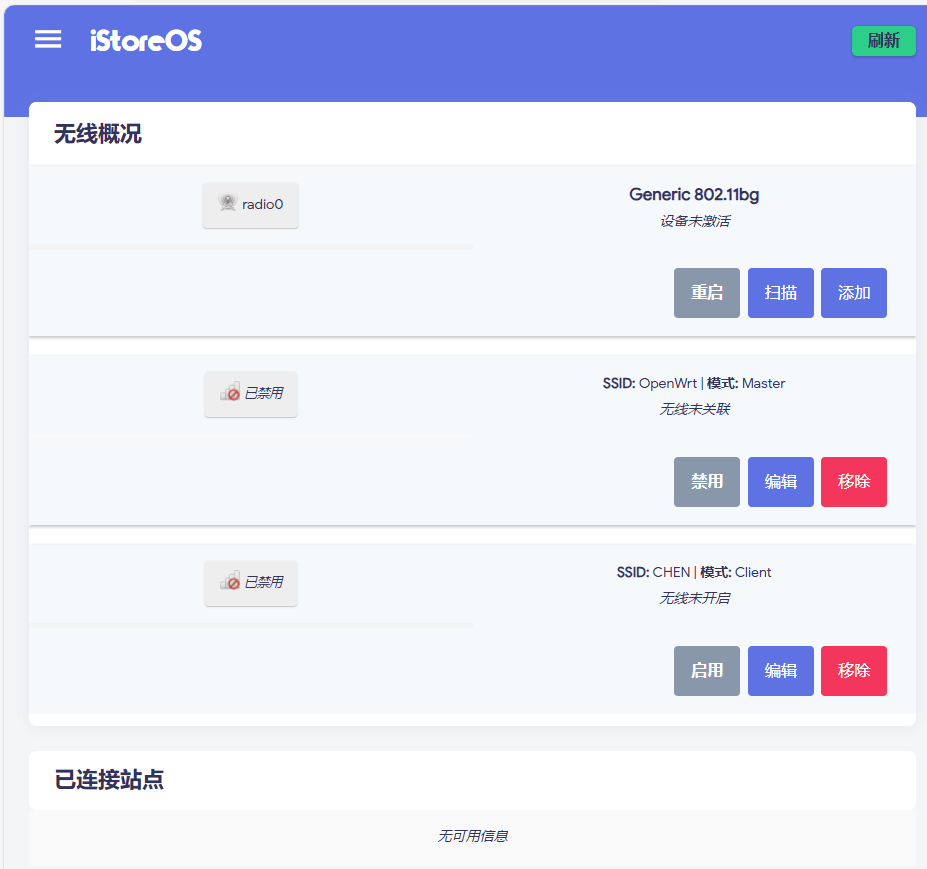
1. iStoreOS直通后重启,无线网卡变为未激活?
Defect Description
首次直通正常,能识别网卡


重启后,设备未激活
Solution
-
需要关机PVE => 拔掉网卡 => 启动PVE => 关机PVE => 插入网卡 => 启动PVE -
关机PVE,完全断电后重启(目的是使无线网卡断电,怀疑被占用)
-
改用OpenWrt
OpenWrt
OpenWRT-PVE-AP-MT7922: guide to run OpenWRT on PVE with Access Point through m.2 wifi module MT7922
Setting up the OpenWrt disk
gunzip -k /mnt/pve/hdd/template/iso/openwrt-23.05.3-x86-64-generic-ext4-combined-efi.img.gz
# -k, --keep  keep original .gz file

qm importdisk 108 /mnt/pve/hdd/template/iso/openwrt-23.05.3-x86-64-generic-ext4-combined-efi.img local
Install wireless LAN card driver and firmware
opkg update
opkg install kmod-iwlwifi iwlwifi-firmware-ax210
opkg install kmod-mt7921e
cd /lib/firmware/mediatek
wget https://github.com/openwrt/mt76/raw/master/firmware/WIFI_MT7922_patch_mcu_1_1_hdr.bin
wget https://github.com/openwrt/mt76/raw/master/firmware/WIFI_RAM_CODE_MT7922_1.bin
opkg install wpad-openssl
reboot
wget超时
使用rz
opkg install lrzsz
opkg remove lrzsz
FAQ
1. OpenWrt直通后重启,无线网卡is not active
首次直通
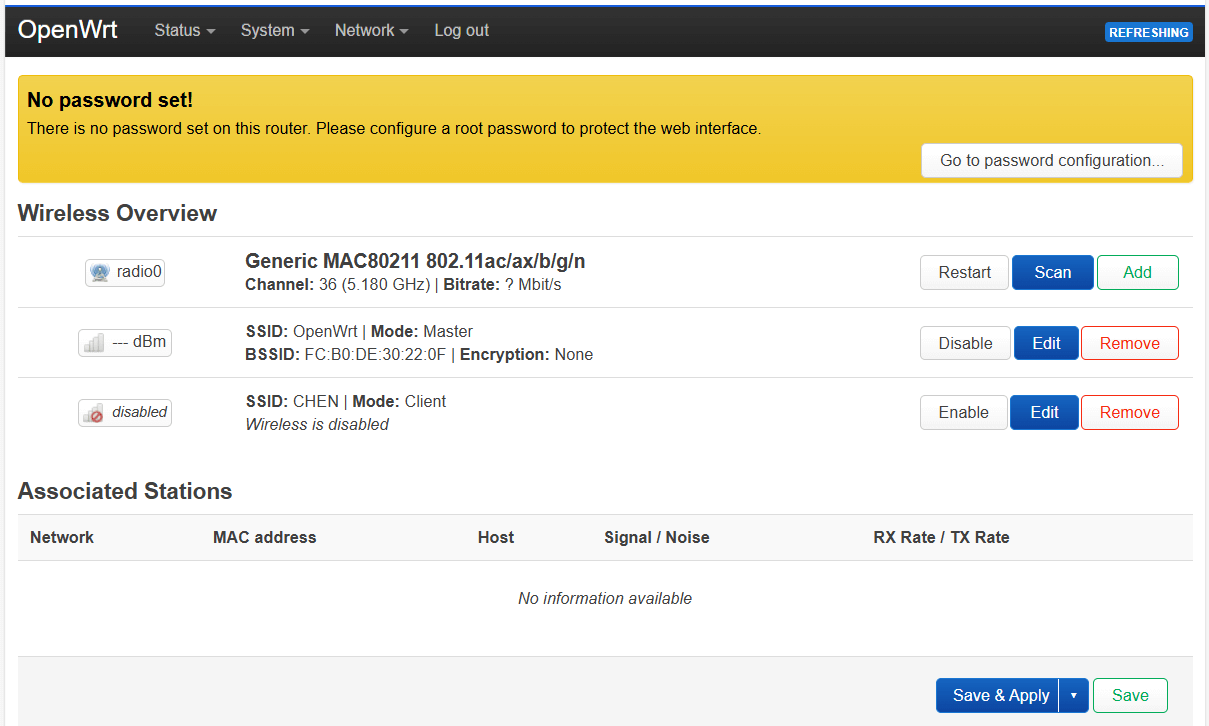
重启后
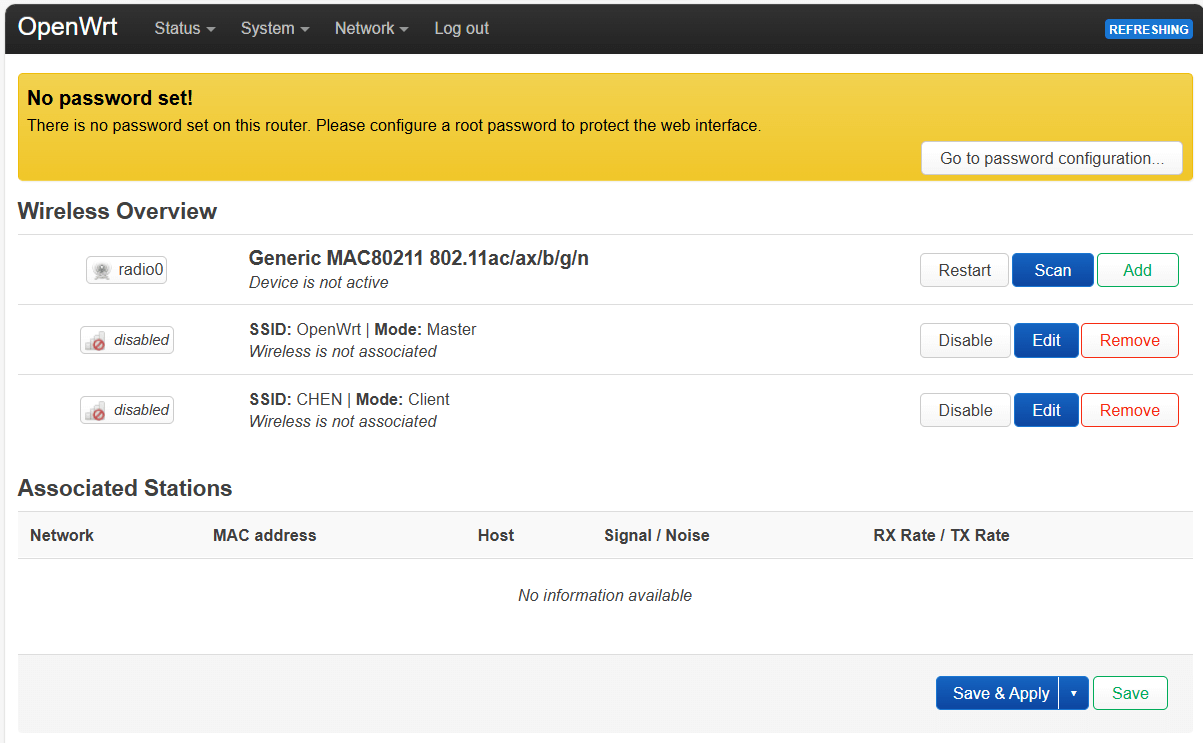
Solution
-
restart一次设备即可
-
设置开机脚本
System => Startup => Local startup
uci set wireless.radio0.disabled='1'
uci set wireless.default_radio0.disabled='1'
uci commit wireless
wifi reload
sleep 5
uci set wireless.radio0.disabled='0'
uci set wireless.default_radio0.disabled='0'
uci commit wireless
wifi reload
Configuration
1. 直通无线网卡
Configure
VM => Hardware => Add PCI Device
-
Raw Device
设备:MT7922
-
所有功能
-
PCI-Express
-
Test
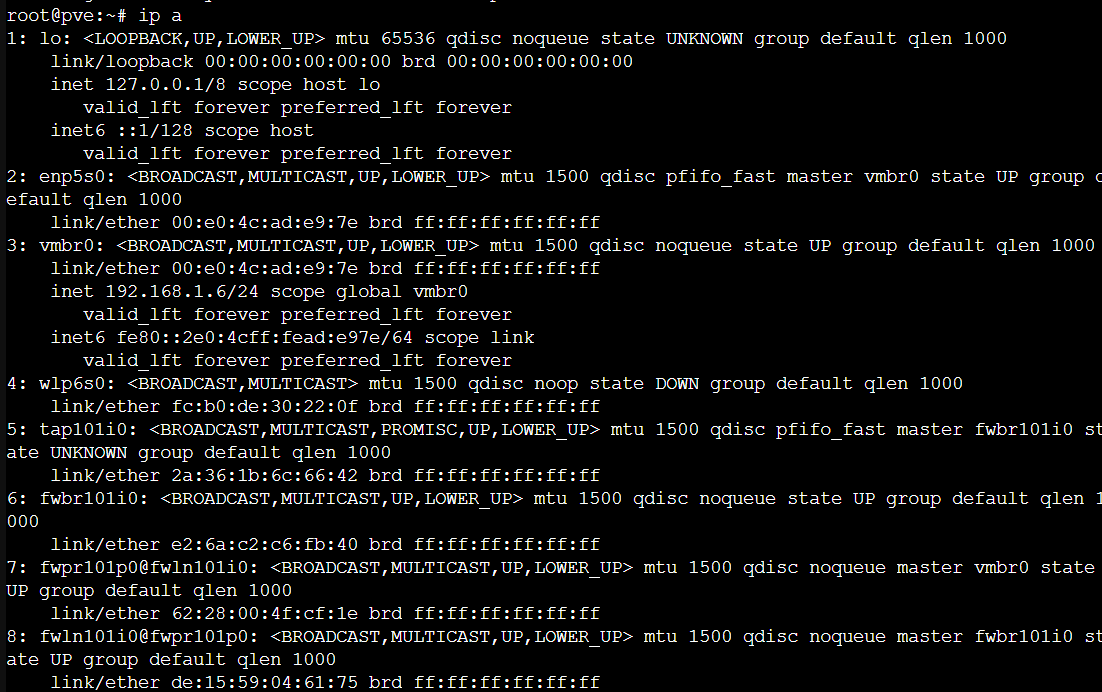
直通前
ip a
lspci -v # 查看pci占用状态
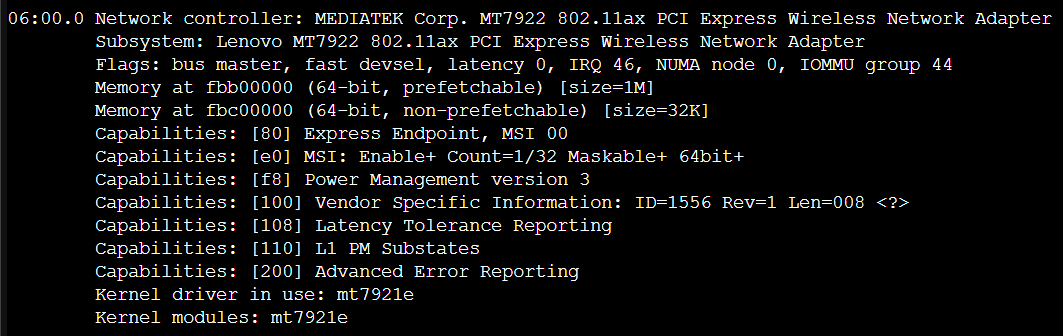
直通后
占用中
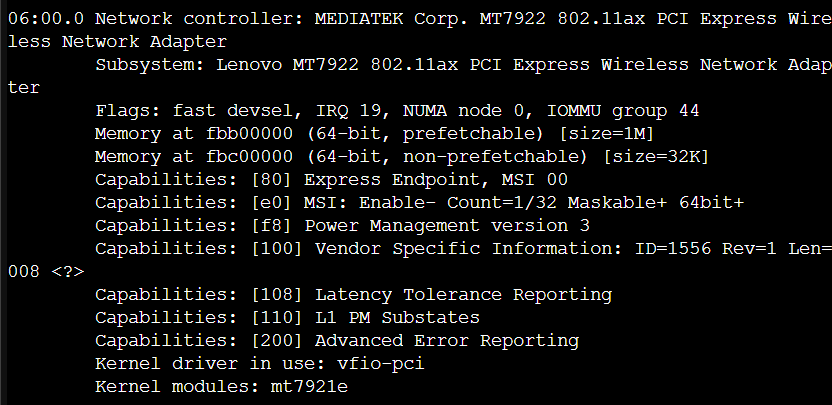
FAQ
1. No IOMMU detected
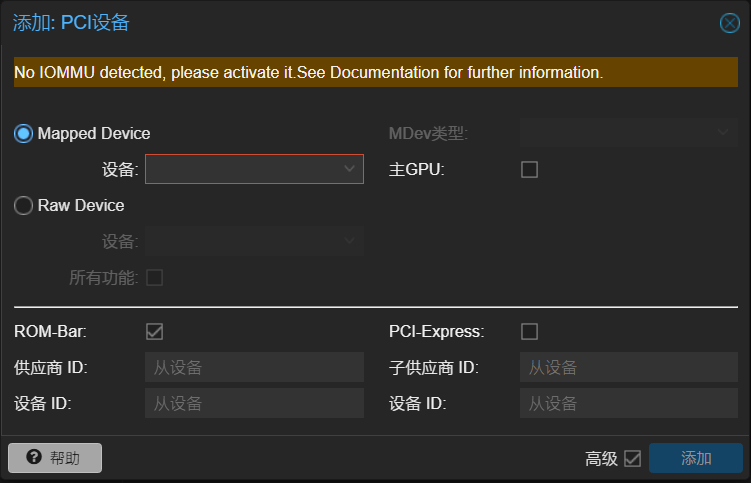
Proxmox VE(PVE)开启IOMMU功能实现硬件直通及直通错误解决_no iommu detected, please activate it.see document-CSDN博客
Solution
开启IOMMU,参考上文
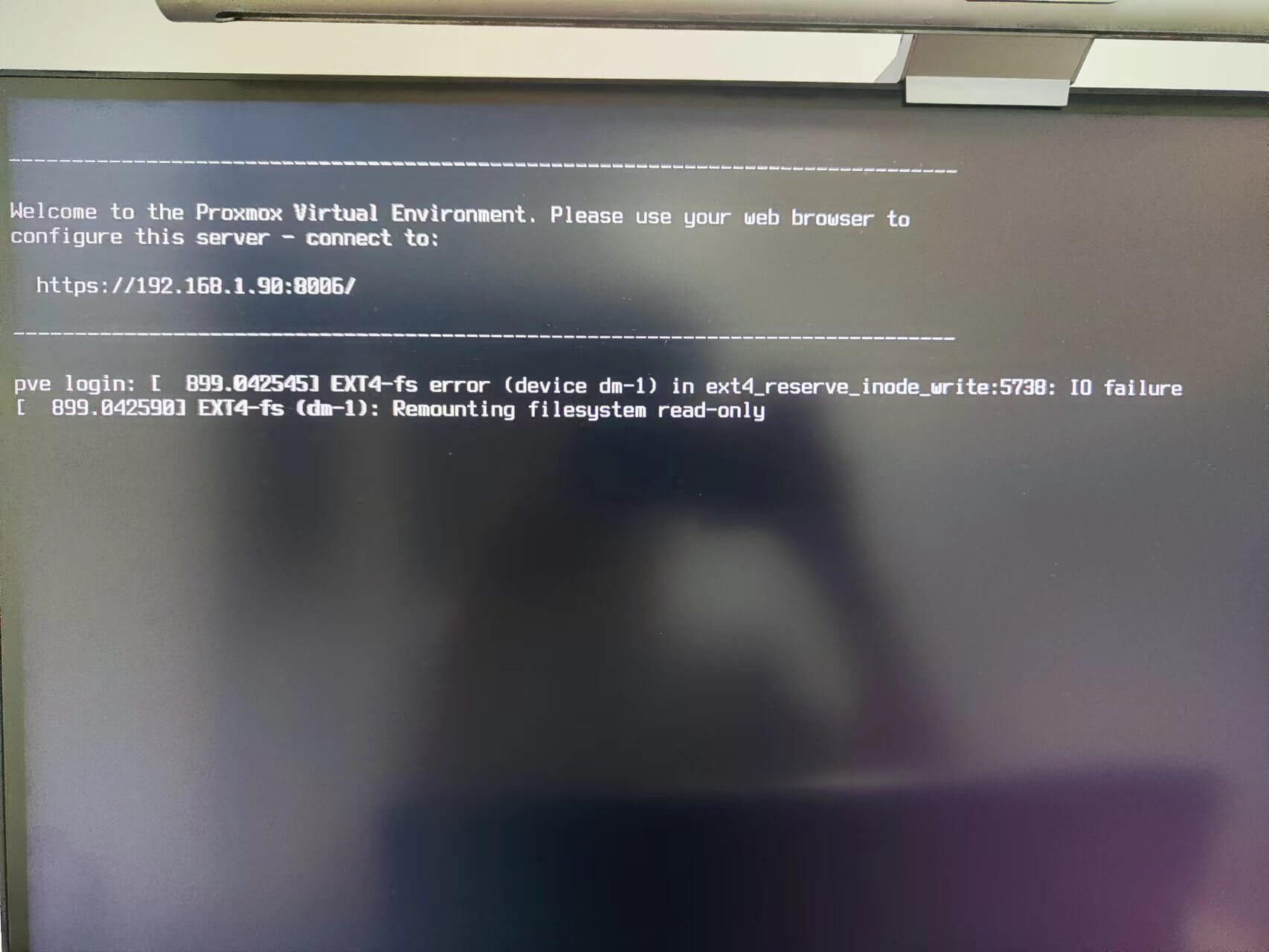
2. 启动直通VM后,PVE文件系统失联
Defect Description
Reason
m2固态系统盘与无线网卡处在同一IOMMU组,被连带直通导致文件系统失联
Troubleshoot
查询IOMMU组
for d in /sys/kernel/iommu_groups/*/devices/*; do n=${d#*/iommu_groups/*}; n=${n%%/*}; printf 'IOMMU group %s ' "$n"; lspci -nns "${d##*/}"; done;

SOLVED - Filesystem corruption after PCIe passthrough | Proxmox Support Forum
【折腾踩坑记录】关于EXSI的网卡SR-IOV,以及X520DA2/SR2有什么区别的这档事。 - 哔哩哔哩
Solution
强制IOMMU分组
方法一. BIOS开启ACS(Access Control Services)
AMD CBS => NBIO Common Options => Enable AER Cap => ACS Enable
(华擎主板开启AER Cap后才会出现ACS)
方法二. ACS补丁
# /etc/default/grub
GRUB_CMDLINE_LINUX_DEFAULT="... pcie_acs_override=downstream"
3. 启动直通VM后,WebGUI失联,物理机终端有响应
Reason
开启ACS后,有线、无线网卡仍在一组,有线网卡被连带直通导致网络失联

Solution
# /etc/default/grub
GRUB_CMDLINE_LINUX_DEFAULT="... pcie_acs_override=multifunction"
LKML: Alex Williamson: [PATCH] pci: Enable overrides for missing ACS capabilities

PS
查看pve日志
journalctl -n 10
2. 连接无线热点
Network => Wireless => radio0 => scan
3. 测试
opkg update && opkg install curl
curl cip.cc
curl ip111.cn